
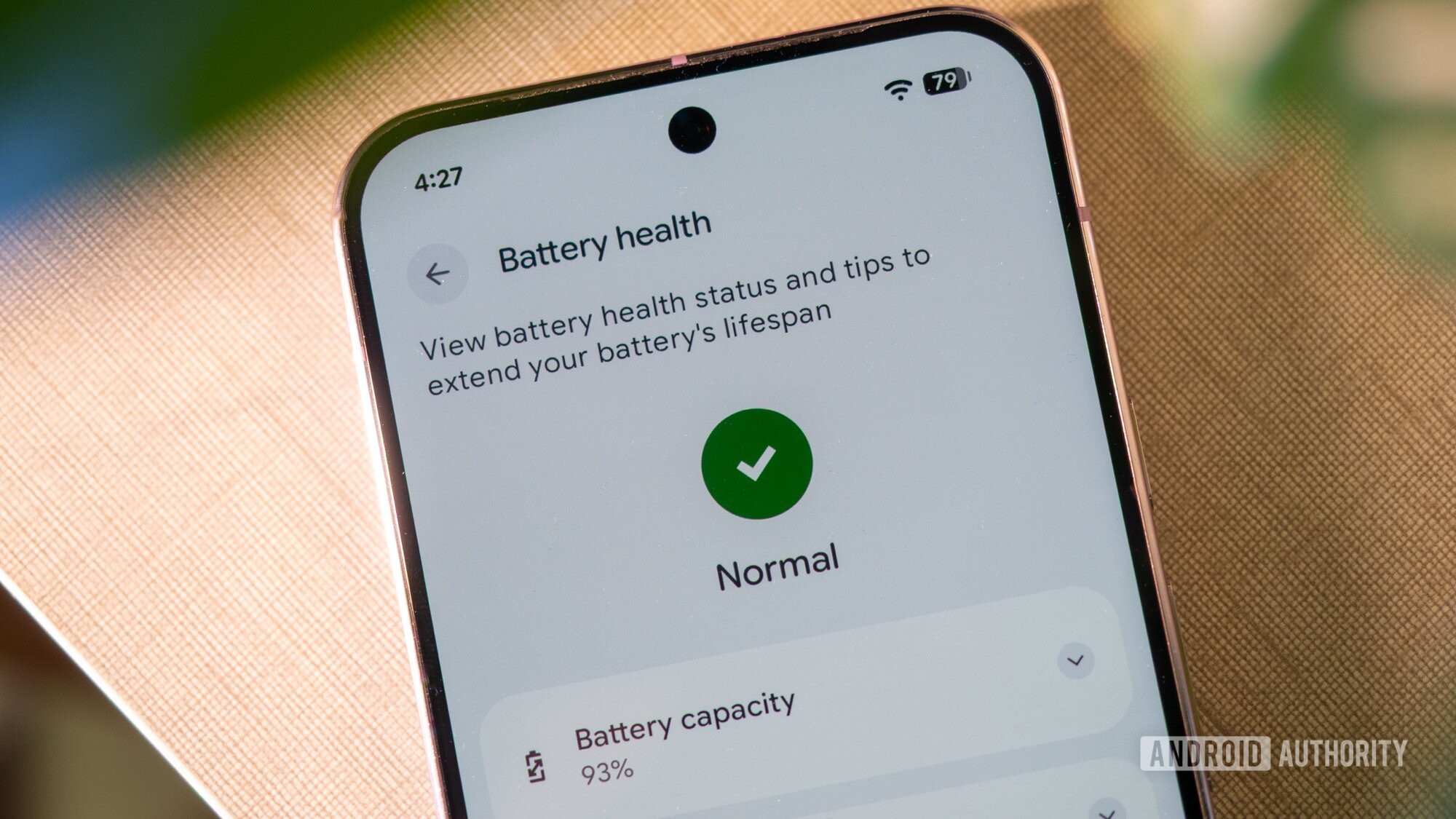
Google's War on Battery-Draining Apps: A New Era for Android Users
As the world becomes increasingly dependent on smartphones, one of the most frustrating issues that Android users face is battery drain. We've all been there - you're in the middle of an important task or conversation, and suddenly your phone dies. But what if you could identify the apps that are secretly sucking the life out of your device? Thanks to Google's latest move, you can. According to a recent report by Android Authority, Google is officially rolling out warning alert boxes that highlight Play Store apps guilty of excessive battery usage. This bold step is part of Google's effort to improve the overall user experience and promote responsible app development.The Problem of Battery-Draining Apps
Battery drain is a common issue that affects millions of Android users worldwide. While it's easy to blame the phone's battery or hardware, the truth is that many apps are designed to run in the background, consuming precious resources and draining your battery. These apps can include social media platforms, gaming apps, and even some productivity tools. The impact of battery-draining apps goes beyond just frustrating users. It can also lead to: * Reduced device performance * Increased heat generation * Higher battery replacement costs * Negative environmental impactHow Google's Warning System Works
So, how does Google's warning system work? When an app is identified as a battery-draining culprit, a warning alert box will appear, informing users about the app's excessive battery usage. This alert will provide users with valuable insights into which apps are consuming the most battery power, allowing them to make informed decisions about which apps to keep or uninstall. The warning system is based on Google's proprietary algorithm, which analyzes app performance and battery usage patterns. This algorithm takes into account various factors, including: * CPU usage * Network activity * Location services * Wakelocks (when an app keeps the device awake) If an app exceeds the acceptable battery usage threshold, it will be flagged, and a warning alert will be displayed to users.Benefits for Android Users
Google's move to shame battery-draining apps has numerous benefits for Android users. Some of the advantages include: * **Improved battery life**: By identifying and limiting the use of battery-draining apps, users can enjoy longer battery life and reduced charging cycles. * **Enhanced device performance**: By closing or uninstalling resource-intensive apps, users can experience faster performance, improved responsiveness, and reduced lag. * **Increased transparency**: The warning system provides users with valuable insights into app performance, allowing them to make informed decisions about which apps to use.What App Developers Need to Know
While Google's warning system is primarily designed to benefit users, app developers also need to take notice. Here are some key takeaways for developers: * **Optimize app performance**: Developers should focus on optimizing their apps to reduce battery consumption, using techniques such as caching, lazy loading, and minimizing unnecessary network requests. * **Respect user resources**: Developers should respect user resources, including battery life, CPU usage, and storage space. * **Follow best practices**: Developers should follow established best practices for app development, including using efficient algorithms, minimizing wakelocks, and avoiding unnecessary location services.Conclusion
Google's decision to shame battery-draining apps is a significant step forward in promoting responsible app development and improving the overall user experience. By providing users with valuable insights into app performance and battery usage, Google is empowering users to take control of their device's battery life. As the Android ecosystem continues to evolve, it's essential for app developers to prioritize user experience, optimize app performance, and respect user resources. By working together, we can create a more sustainable, efficient, and user-friendly mobile ecosystem. So, the next time you notice your battery draining faster than usual, remember to check the apps that are secretly sucking the life out of your device. With Google's warning system, you can take charge of your battery life and enjoy a more seamless, efficient mobile experience. Stay tuned for more updates on Google's war on battery-draining apps, and discover how you can optimize your device's performance to get the most out of your Android experience.Follow Buzztoday24 for latest updates.
Post a Comment